Documentation
Documentation for PDFs that look finished
Task-first documentation for built-in templates, custom brand systems, PDF quality, the REST API, and MCP. Follow a guide, inspect the real output, and reuse what works.
Start from your goal
Choose the path that matches your goal
Built in the custom template studio
Start from a finished publication, not a blank page.
Real exported PDFs with editable starters and visual walkthroughs.
Practical library
Find the right guide for your document
Search by task, format, or tool, then open the guide closest to the result you need.
Getting Started: Create Your First Polished Markdown PDF
7 min readMarkdown Formatting Tips for Professional PDFs
14 min readPDF Design Quality Checklist: Preflight Before You Publish
10 min readWhich Template Should You Use? A Complete Comparison
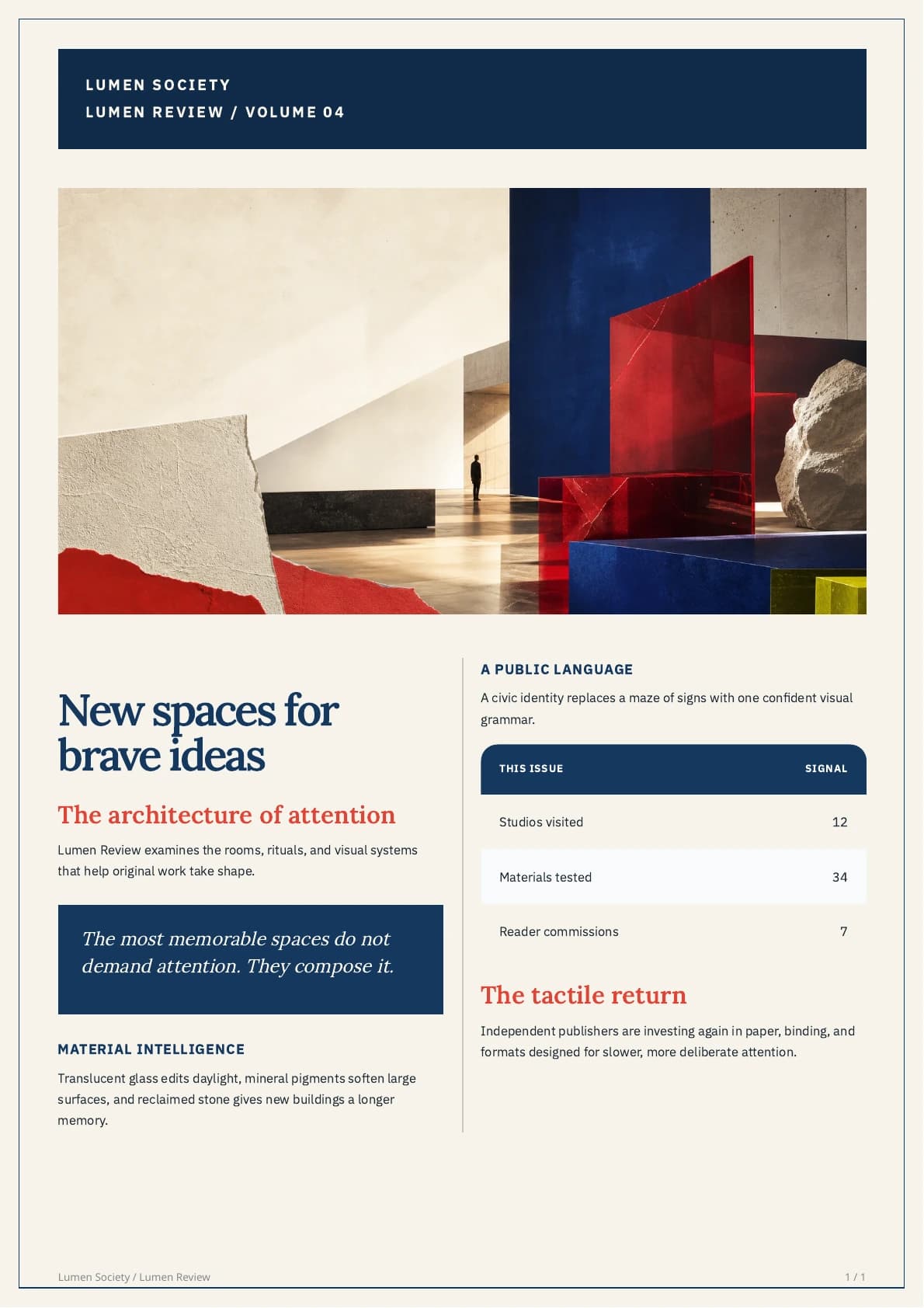
8 min readHow to Build a Custom Newsletter PDF Template from Scratch
5 min readHow to Design a Premium Newsletter PDF from Markdown
5 min readAll guides (16)
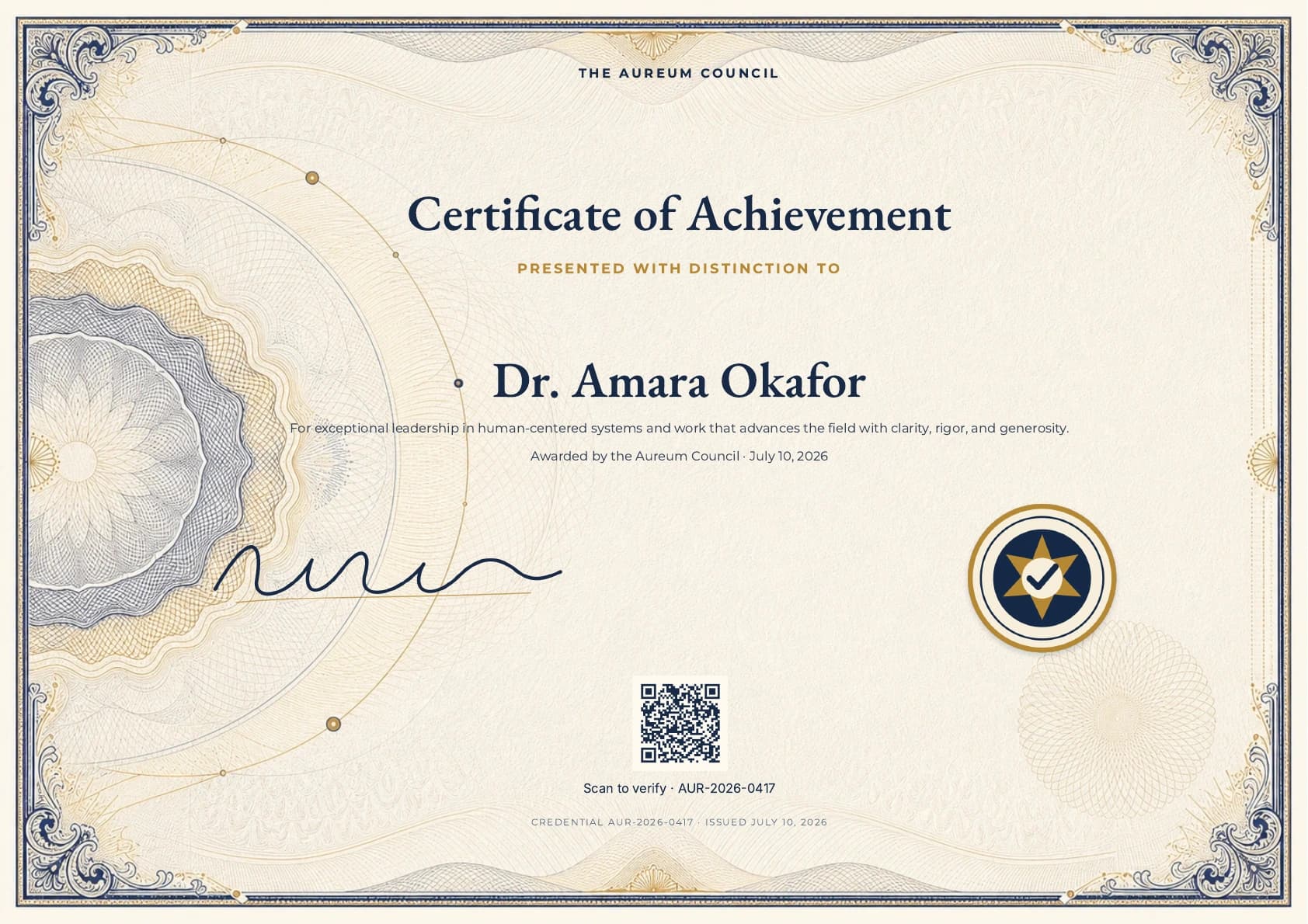
How to Create a Verifiable Certificate PDF with a QR Code
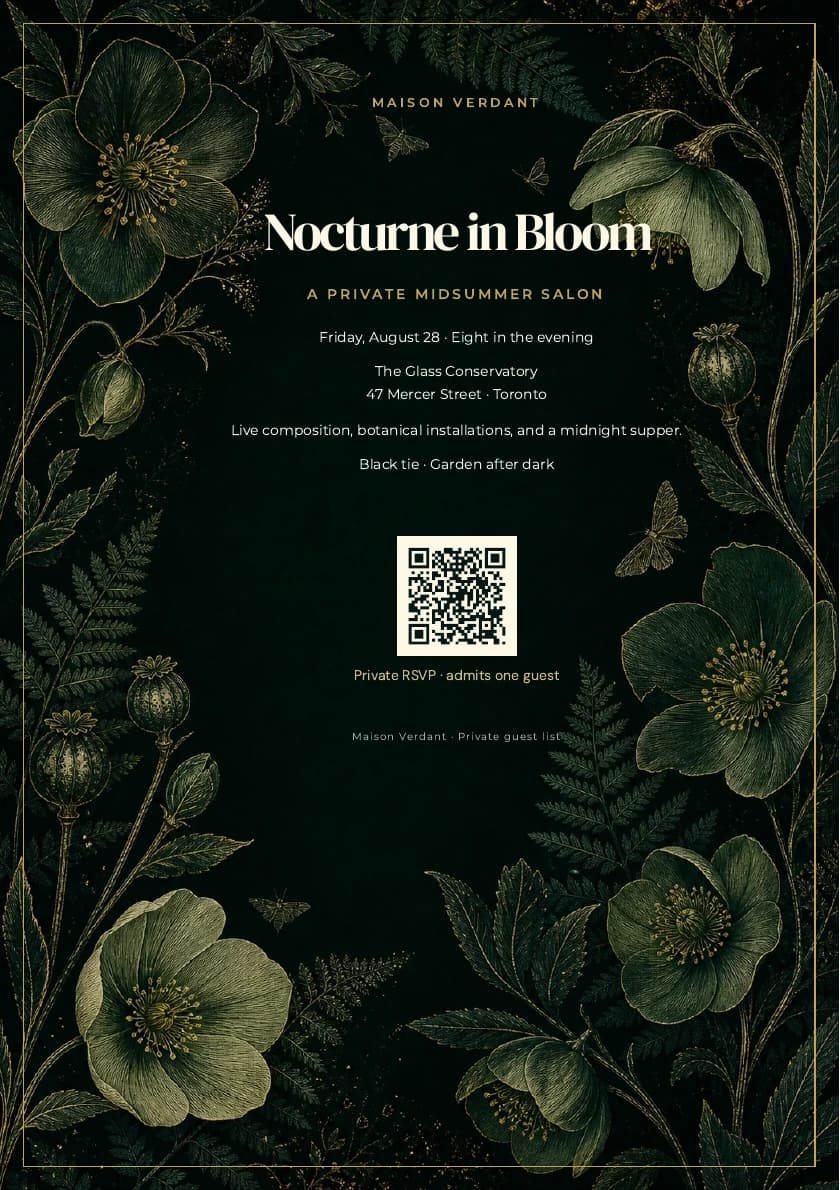
5 min readHow to Make a Luxury Invitation PDF with Custom Artwork
5 min readHow to Turn a Markdown Resume into PDF
8 min readHow to Convert ChatGPT Output to PDF
6 min readHow to Convert Claude Output to PDF
6 min readHow to Convert a GitHub README to PDF
7 min readHow to Export Notion Pages to PDF via Markdown
6 min readHow to Convert Obsidian Notes to PDF
6 min readExport Markdown with Mermaid Diagrams to PDF
9 min readAutomate Polished PDF Publishing with API v2
12 min readTry before checkout