Learn
Export Markdown with Mermaid Diagrams to PDF
Convert Markdown containing Mermaid diagrams — flowcharts, sequence, and Gantt charts — into a PDF where the diagrams render as crisp vector graphics.
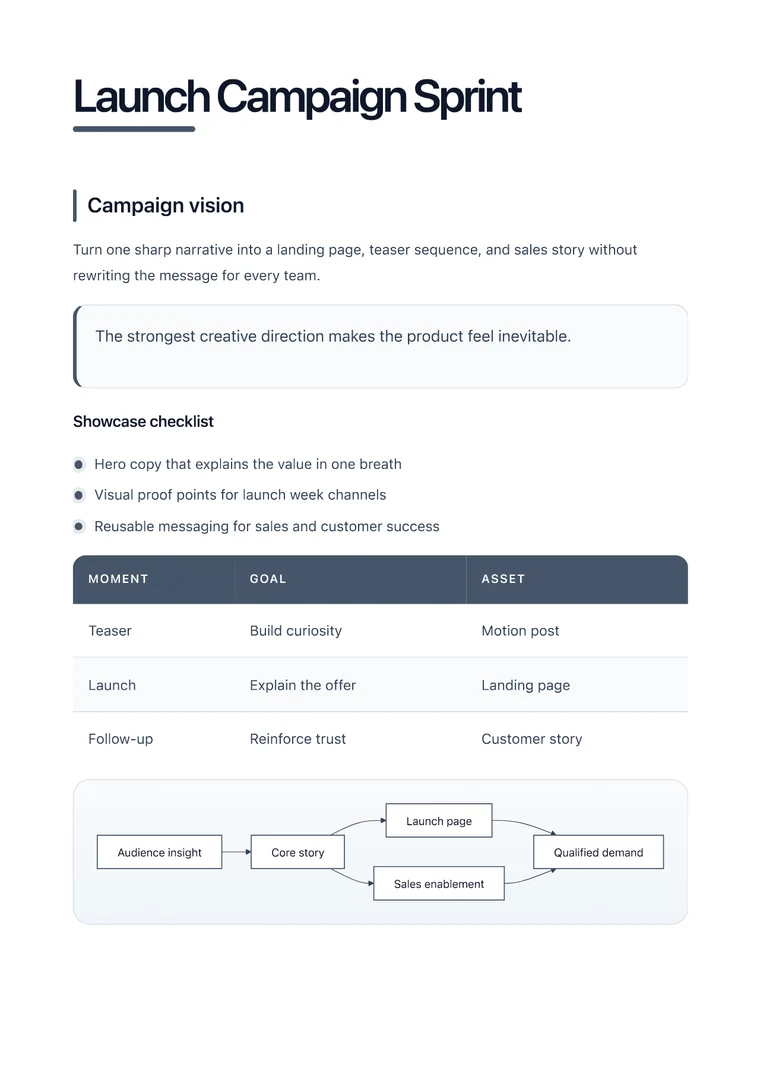
What you will produce
Try the related templateOn this page
To export Markdown with Mermaid diagrams to PDF, paste your Markdown — including the ```mermaid code blocks — into the converter and export. The diagrams render as sharp vector graphics in the PDF rather than being left as raw code, which is where most generic converters fall short.
Mermaid lets you write diagrams as text inside a fenced code block, so they live right next to your prose in version control. The challenge is the final step: many Markdown-to-PDF tools either print the diagram source verbatim or rasterize it into a blurry image. Rendering it properly as vector output keeps the diagram crisp at any zoom and at print resolution.
Mermaid rendering is a premium feature. A signed-up free account can test it during the five-export premium trial shared across browser, REST API, and MCP generation. After the trial, upgrade to keep diagram exports uninterrupted. You can include up to 5 diagrams per document.
Diagram types that convert
The common Mermaid diagrams all export cleanly:
- Flowcharts (
graph TD) — process and decision trees - Sequence diagrams — request/response and interaction flows
- Gantt charts — project timelines
- Class and ER diagrams — data models
- State diagrams — workflows and lifecycles
How to do it
- Keep each diagram in a fenced block that starts with
```mermaid. - Paste the full Markdown into the converter.
- Wait for the live preview to render the diagram, then check it for overflow.
- Export the PDF.
Keep diagrams readable in print
- Favor vertical layouts (
graph TD) over wide horizontal ones so a large diagram fits the page width. - Keep node labels short — long labels force the diagram wider than the page.
- Split very large diagrams into two smaller ones rather than shrinking a single diagram until the text is unreadable.
Because the diagram is rendered as vector graphics, lines and text stay sharp in the exported PDF — suitable for documentation, technical specs, and architecture proposals that will be printed or shared at any size.