Markdown to PDF API and MCP for polished, task-specific documents
Create versioned Markdown documents, publish polished PDFs asynchronously, and download verified artifacts through a scoped REST API.
Checking API access
Loading your activation state.
Premium trial
Choose the polished output your API should create
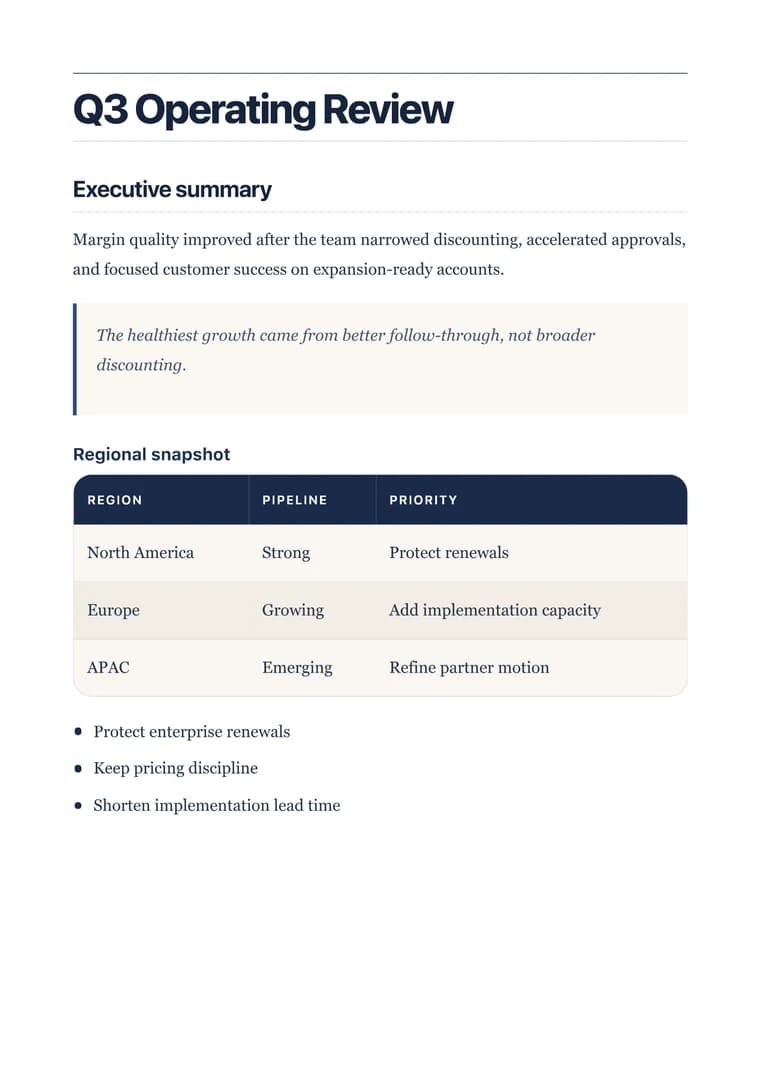
Open a real premium sample first. When it looks right, copy the same templateId into the API request below.
curl --request POST \
  "https://markdowntopdfconverter.com/api/v2/documents" \
  -H "Authorization: Bearer $MD2PDF_API_KEY" \
  -H "Content-Type: application/json" \
  -H "Idempotency-Key: $IDEMPOTENCY_KEY" \
  --data '{
  "revision": {
    "markdown": "# Northstar Launch Brief\n\n## Decision\nApprove the measured rollout.",
    "parentRevisionId": null,
    "spec": {
      "locale": "en",
      "options": {
        "pageNumbers": true
      },
      "templateId": "executive"
    }
  },
  "taskId": "executive-brief",
  "title": "Northstar Launch Brief"
}'
Reference
One managed publishing lifecycle
Get your API key
Generate a key from your dashboard under API Keys.
Write Markdown
Any valid Markdown is supported — headings, lists, code blocks, tables, images.
Make the request
Publish, poll the job to a terminal state, then download its private artifact.
Start with a reviewed automation
Use a dedicated key with documents.render and documents.read. The signed PDF URL must be downloaded without that key.
Get started
API reference, examples, templates, and pricing
Reference
API reference, examples, templates, and pricing
Keep this page open while testing. The examples below use premium templates so the API path reflects the real value of the product: better document output, not just file conversion.
Every v2 error includes a stable code, HTTP status, retryable flag, and optional retry delay. Retry only when retryable is true.
Use a dedicated key with documents.render and documents.read. The signed PDF URL must be downloaded without that key.